 Coming soon · iPad and Mac
Neko Desk
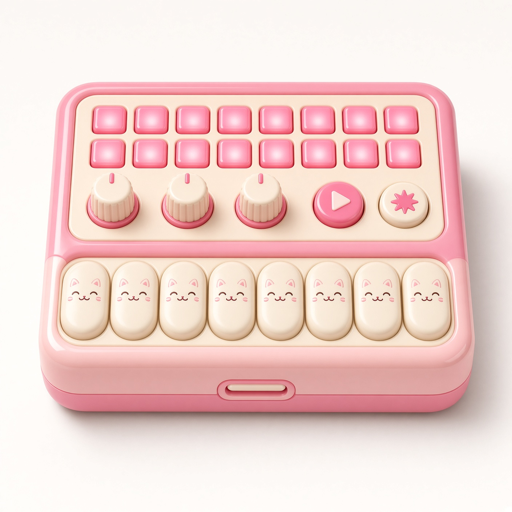
A desk full of instruments. Play keys, synths and drum machines, record a vocal, and arrange it all on the reel. It looks friendly and sounds like serious gear.
iPad first, then Mac. iPhone later.
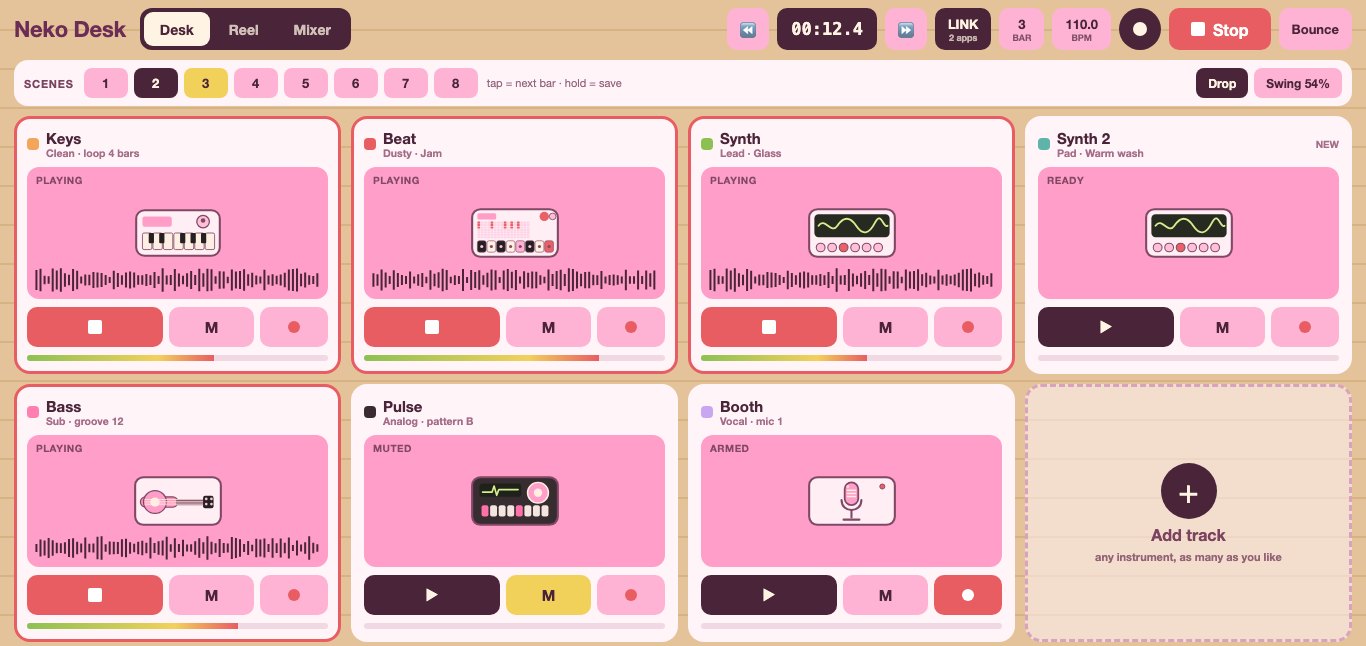
Add any instrument as a track, as many times as you like.
Keys with character
Clean, Wave, Drift and Dust patches, a Colour knob, fuzz, tape, grain, reverb and a glitch that wanders. Chords, a beat-locked arpeggiator, pitch and mod wheels, and eight loop slots.
Leads, pads and low end
A synth with its own looper and loop slots, and a bass with patterns and an arpeggiator. The mod wheel pushes into distortion, harmony and stutter.
A drum synthesizer
Eight synthesized voices on an old-analog face. Velocity pads, note repeat, live recording, and an XY Morph screen that blends four kits under your finger.
Sampled kits and grooves
Drum kits from dusty to clean, a Jam mode, swing, and a Drop switch that cuts the drums out for a bar when you need tension.
36 stereo pads
One-shot, loop and ping-pong, trims, pitch, reverse and time stretch, with eleven effects. Send a loop from any instrument straight to a pad.
Vocals and live input
Booth and Track give your mic or a line input a proper chain: gate, de-esser, compression, drive and shimmer, recorded straight onto the reel.
Jam it live, then arrange it.
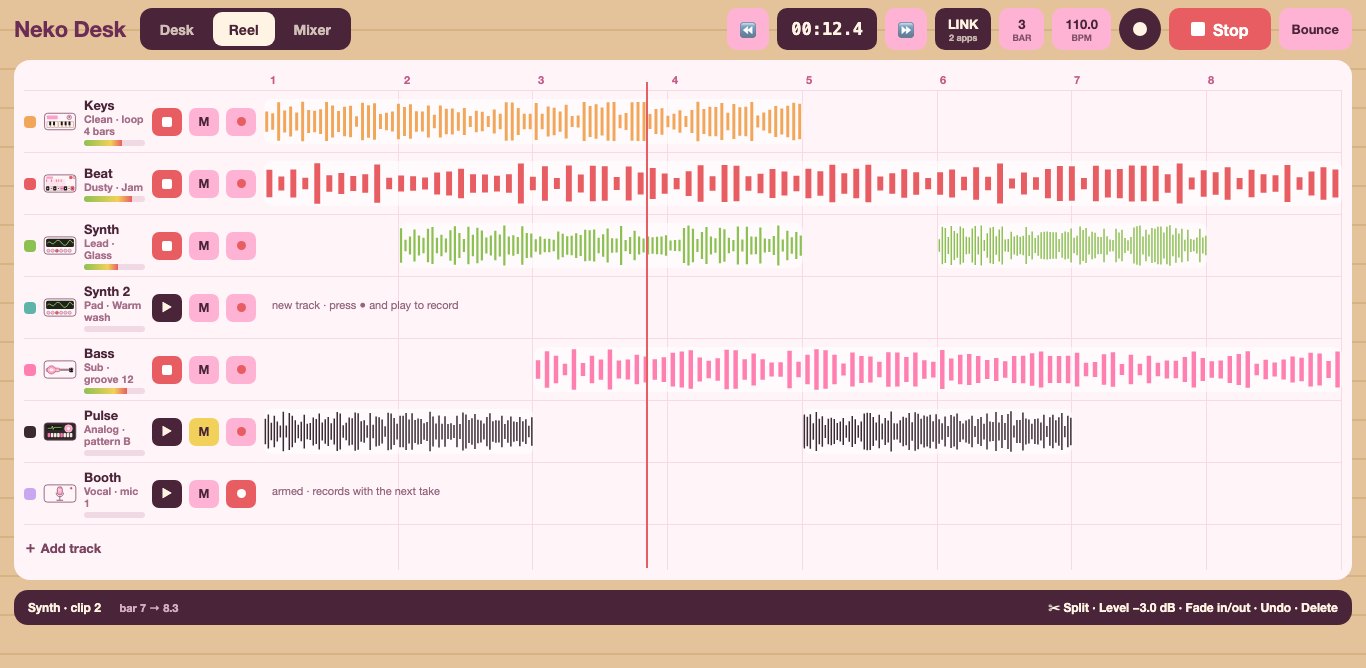
The same tracks, three ways. Play from the Desk: start and stop parts on the next bar, flip between eight scenes and hold a mute for a quick drop. Record onto the Reel to split, trim and fade clips. Balance it all in the Mixer, then bounce.
Ableton Link keeps Neko Desk in time with other music apps on your Wi-Fi.
What you need
Good to know
When is it out?
iPad comes first, then the Mac. Get an email when it's out, and that's the only email you'll get.
Is it a subscription?
No. Neko Desk will be a one-time purchase.
Does it work with MIDI keyboards?
Yes. Play any instrument from a MIDI keyboard, or type notes on a hardware keyboard.
How is it different from Loopstack?
Loopstack is a fast pocket studio built around a stack of loops. Neko Desk is a bigger desk of separate instruments, each with its own face and controls, made for the iPad and Mac screen.
Pull up a chair.
Neko Desk is coming to iPad and Mac.