Which one is right for you?
Three apps, three ways to make music. They don't overlap much, and plenty of people will want more than one.

Loopstack
You want to catch an idea in two minutes on your phone, and have it already sound good.

Loopstack Pro
You want to take those ideas to the Mac and finish them: arrange, edit notes, add plugins, mix.
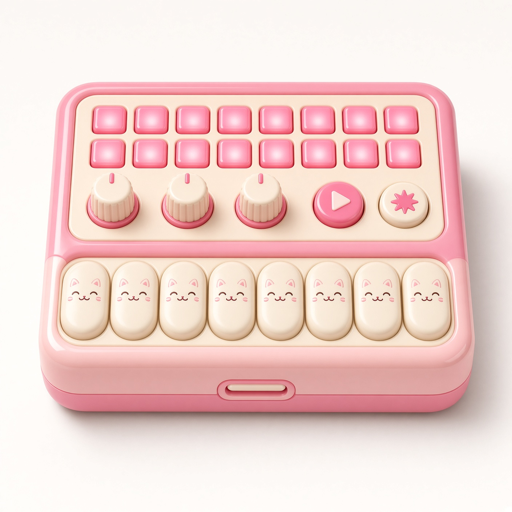
Neko Desk
You want a desk of separate instruments to play live on the iPad or Mac, each with its own face.
| LoopstackiPhone · iPad | Loopstack ProMac | Neko DeskiPad · Mac | |
|---|---|---|---|
| Devices | iPhone and iPad | Mac (macOS 14+) | iPad and Mac, iPhone later |
| Best for | Catching ideas fast, anywhere | Finishing and mixing songs | Jamming with a desk of instruments |
| How you work | A stack of up to 8 loops, then a song of blocks | Timeline, scenes, piano roll and mixer | Tracks you start live, then arrange on the Reel |
| Sounds | 22 recorded instruments, 53 synth sounds, 10 drum kits | 92 sounds voiced for monitors, plus everything in Loopstack | Keys, Synth, Bass, Pulse drum synth, Beat kits, 36-pad sampler |
| Sampler & chop | ✓ | ✓ | ✓ |
| Piano roll / note editing | Re-voice note loops | Full piano roll and drum editor | Step patterns |
| Timeline arranging | Song blocks | ✓ | The Reel |
| Audio Unit plugins | 1 instrument + 1 effect | Chains on every track and master | — |
| Automation | — | ✓ | — |
| MIDI keyboards | ✓ | ✓ | ✓ |
| Ableton Link | ✓ | — | ✓ |
| Projects sync | iCloud Drive | iCloud Drive (opens phone projects) | On the device |
| Export | WAV, M4A, stems + MIDI | Bounce, stems | Bounce |
| Price | Pay once | Pay once | Pay once |
| Status | Coming to the App Store | Coming to the Mac App Store | Coming soon |
Features describe the current or upcoming version and may change before release.